Equities
Access institutional level pricing with up to 4x margin
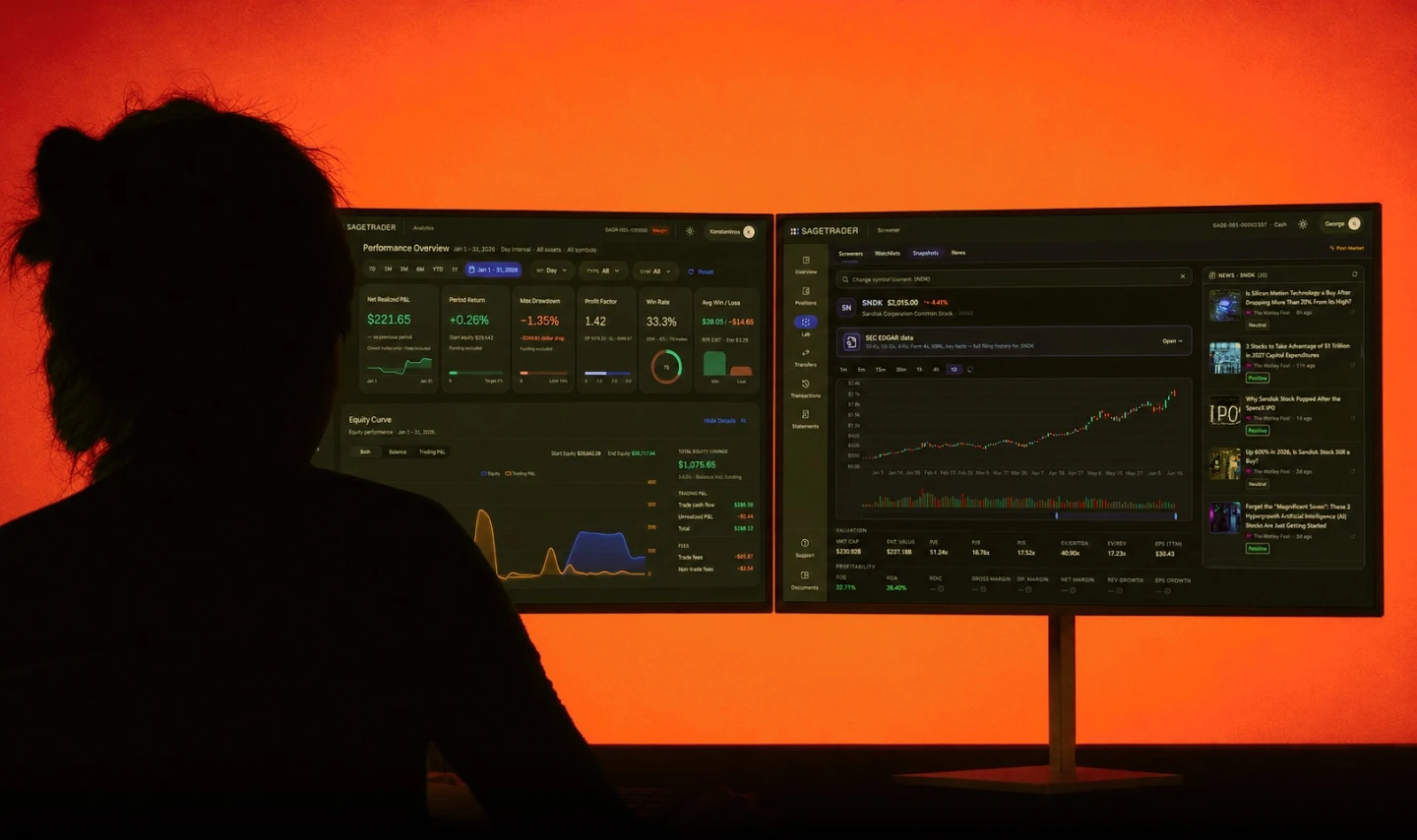
Routes, locates and fees used by institutional traders on Wall Street. Sign up offer: Commissions per share start at $0.0005 for your first month with SageTrader Pro.
Trade U.S
Start From $3,000.
Access institutional level pricing with up to 4x margin
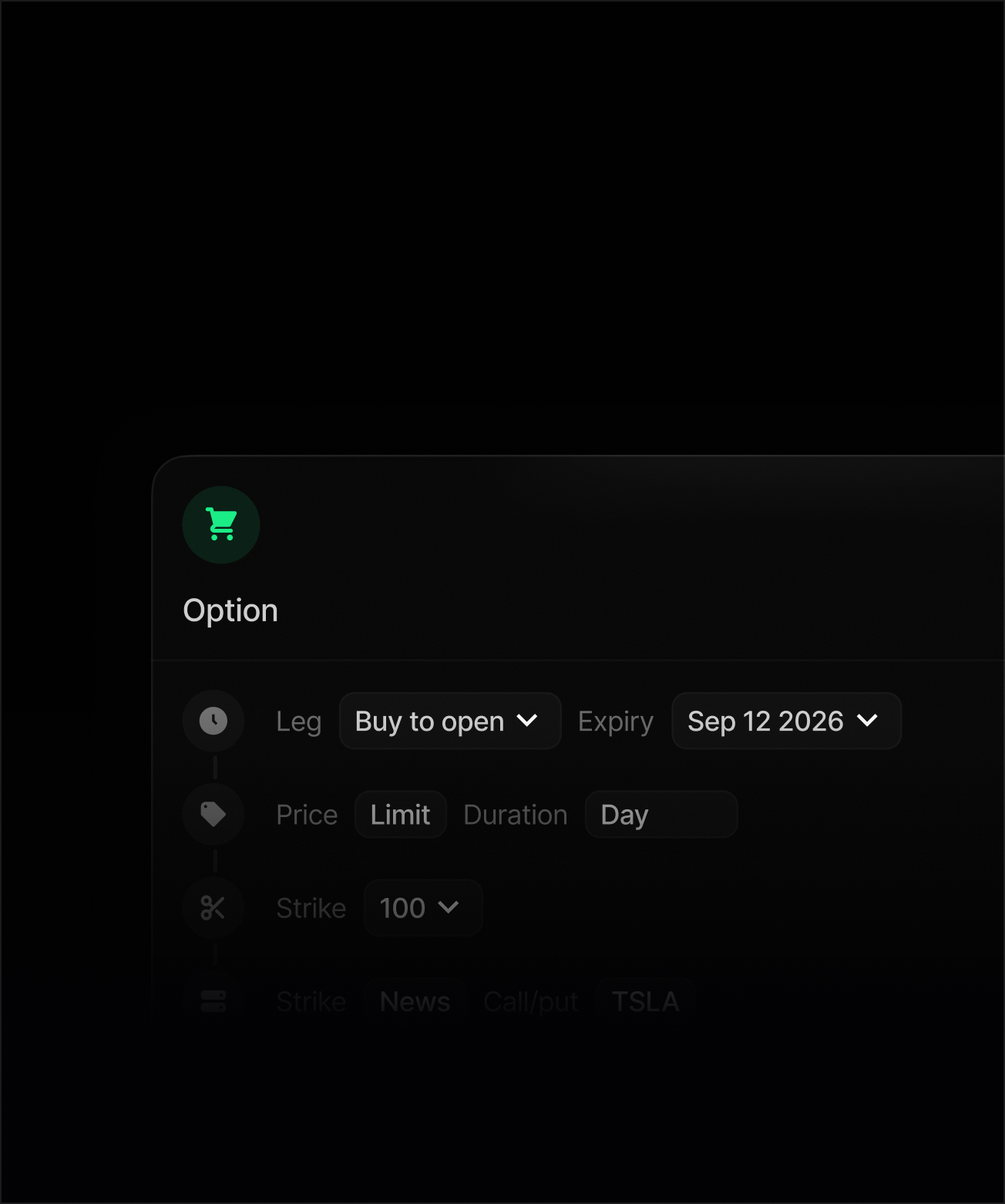
Enjoy low fees, more buying power and complex options

Routes, locates and execution used by institutional traders on Wall Street.
Where we build advanced tools to help professional traders perform.
With The SageTrader Foundation, we support children's charities and other causes worldwide.
Equities commissions as low as $0.0003 per share
and Options as low as $0.10 per contract.
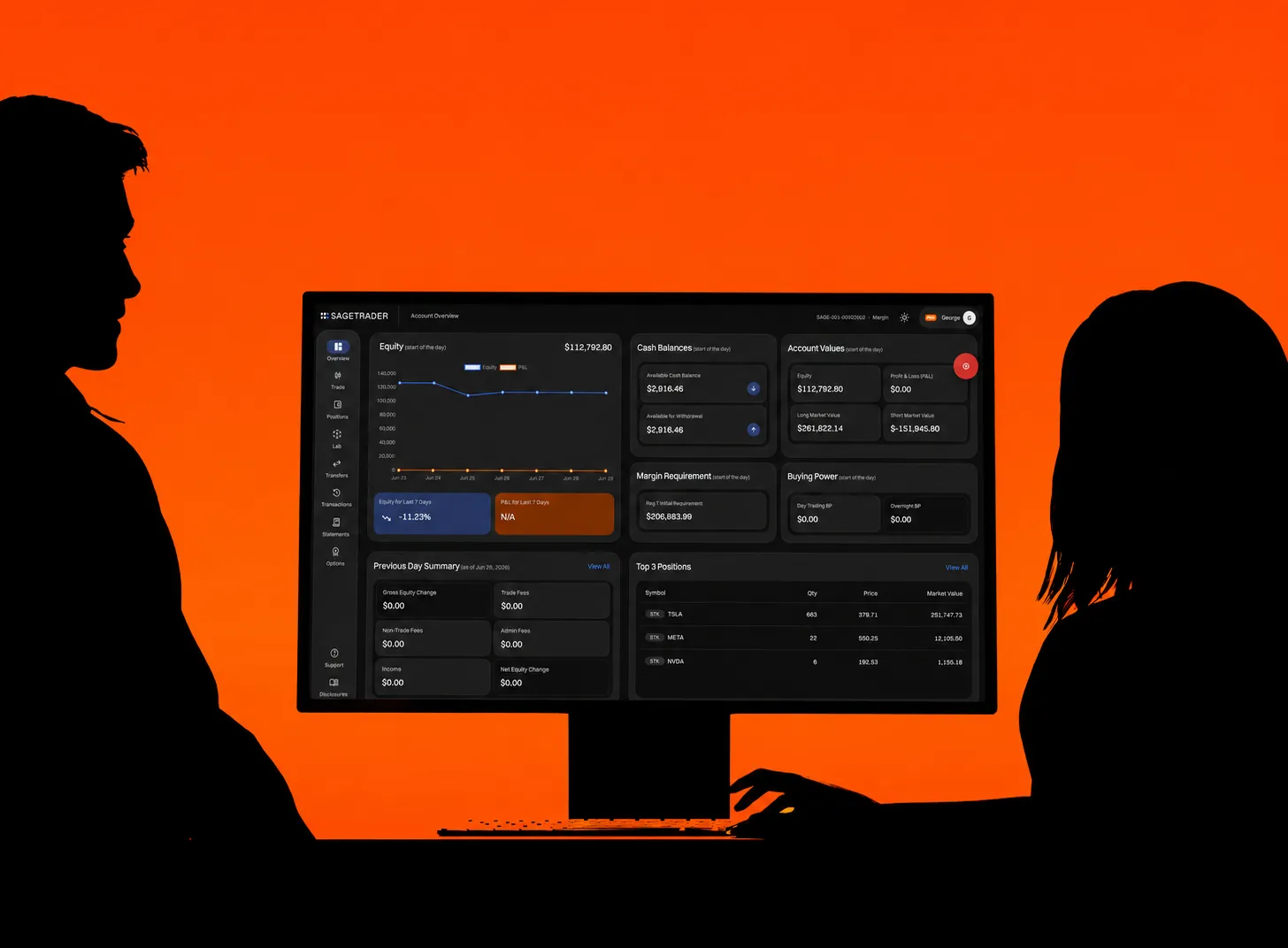
Choose from two advanced platforms. Access exclusive tools.
On June 4th 2026, FINRA’s new equity minimum to day trade more than 4 times a week in a margin trading account is $2,000. SageTrader requires a minimum of $3,000 to open an account, which also leaves a buffer for DAS platform costs and any trading losses.
Initial deposits need to be a wire. Bank information is viewable on the left-hand side of the SageTrader portal under the transfers tab > Deposits. Please include your SageTrader Account number in the memo line to easily process your deposit. Please note your account number will start with either SAGR-001 or SAGR-002. After your initial deposit via a wire, additional deposits may be done with ACH by linking your bank via Stripe from within the SageTrader portal. Withdrawals may be done by ACH. Funding must come from a bank account matching the name on your SageTrader account. This includes business trading and LLC accounts. We accept Wise for international deposits.
Withdrawals can be initiated from within the SageTrader Portal under Transfer > Withdrawals. For your protection, after you have requested a withdrawal a team member will call to verify your withdrawal.
Your SageTrader Pro account provides up to 4x buying power, subject to applicable margin requirements and risk controls.
We currently offer DAS Trader and Black Arrow.
Learn moreThere is a mobile version of DAS. Once you download the application on your mobile device, enter your DAS login on the username; for the Firm ID enter SAGR. The order IP and order port will populate automatically after you enter the firm ID. Mobile is included in the monthly DAS platform fee; it is not available without a desktop subscription.
DAS offers a two-week demo account. They also have a YouTube tutorial library.
DAS has a YouTube tutorial library you can view.
Yes, we support the DAS CMD API. When adding the API, you still have access to manual trading in DAS. Once you have an approved trading account, you can request the API from the SageTrader portal under the platform tab. You’ll need to complete the API form in DAS as well, located in Help > Market Data Agreement > Optional tab. Once you complete the agreement, DAS will receive the request. It will take DAS at least a day to approve and configure. Once it is approved, they will send you the API instructions. There is no free trial of the API. It is an additional $100 on top of the standard platform fee.
After requesting the API from the SageTrader portal, you must complete the API form in DAS as well, located in Help > Market Data Agreement > Optional tab. Once you complete the agreement, DAS will receive the request. It will take DAS at least a day to approve and configure. Once it is approved, they will send you the API instructions.
While sub-accounting isn’t available on an individual level under the same tax ID, we have a solution that works very much in the same way to separate out your strategies. You would need to open a second margin account under an LLC. Once you’ve set up an LLC, you’ll simply reapply under that entity. All deposits and withdrawals need to match the name on the account. So, you’ll also need to set up a bank account under the LLC name for fund transfers. Functionally you will have one instance of DAS, and you’ll see a drop-down with the two different account numbers so you can easily switch between accounts. You can open both a margin and a cash account under the same tax ID.
SageTrader offers extensive routing, from the SAGEPRO free route, and SAGEREB with a rebate, to direct to exchange, and more aggressive routes with a fee for faster execution. All routing choices are available to funded and active accounts above PDT that are using DAS, regardless of their total equity. Please note that on SAGEPRO and SAGEREB it costs 30 mils to remove at or above one dollar and 30 bps to remove sub-dollar between 4 AM–7 AM and between 7 PM–8 PM.
Please apply for options trading in your initial application. Or, if you already have an equity trading account, apply from the menu on the left-hand side of your portal. As a friendly reminder, options trading is currently only available during core market hours. Please see our disclosures for risks that may be associated with trading options.
Sage has an excellent locate tool inside our instance of DAS that works much like a smart router — going out to all of our locate providers at once and coming back with the lowest rate in under a second. Locate pricing is dynamic and will vary based on supply and demand. We are always looking to add more providers and keep these costs as low as possible.
Not at this time. We anticipate fractional shares being available to trade in fall 2026.
Buying Power calculations have been updated with the PDT rule change on June 4th, 2026. 4-to-1 intraday leverage will no longer be a static amount from the start of day but will update dynamically based on real-time intraday margin access. Overnight continues to be 2-to-1 leverage.
Yes, email tradesupport@sagetrader.com and we can set up auto-liquidate for you. Please note, auto-liquidate is only available during core market hours, 9:30 AM–4:00 PM ET. You must manually manage your positions pre and post market.
SageTrader has no concentration limits at this time, though we may update our house rule on this at a later date. We encourage traders to leave some cash equity in their account to avoid margin calls.
SageTrader has a 75% daily equity max loss house rule, meaning once 75% of your account value has been lost the trading system will auto-liquidate your positions.
You can now adjust certain risk limits directly through the portal. Simply click on Risk Controls on the left-hand side of the platform, where you’ll be able to modify settings such as your max loss, decrease your buying power, and max loss per ticker. For any other risk settings that are not available within the Risk Controls section, please email tradesupport@sagetrader.com and include your SageTrader account number.
For any trade-related questions or assistance, please email tradesupport@sagetrader.com and be sure to include your SageTrader account number.
We currently start new accounts on a promo rate of $0.0005/share; after that, commissions are based on the previous month’s volume starting at $0.001/share and going down from there.
We offer an additional perk of complimentary access to the trading journal Kinfo Pro for active, funded accounts. After you have funded your account and started trading, please email operations@sagetrader.com if you would like to set this up.
Institutionally low pricing. No games, no hidden fees.